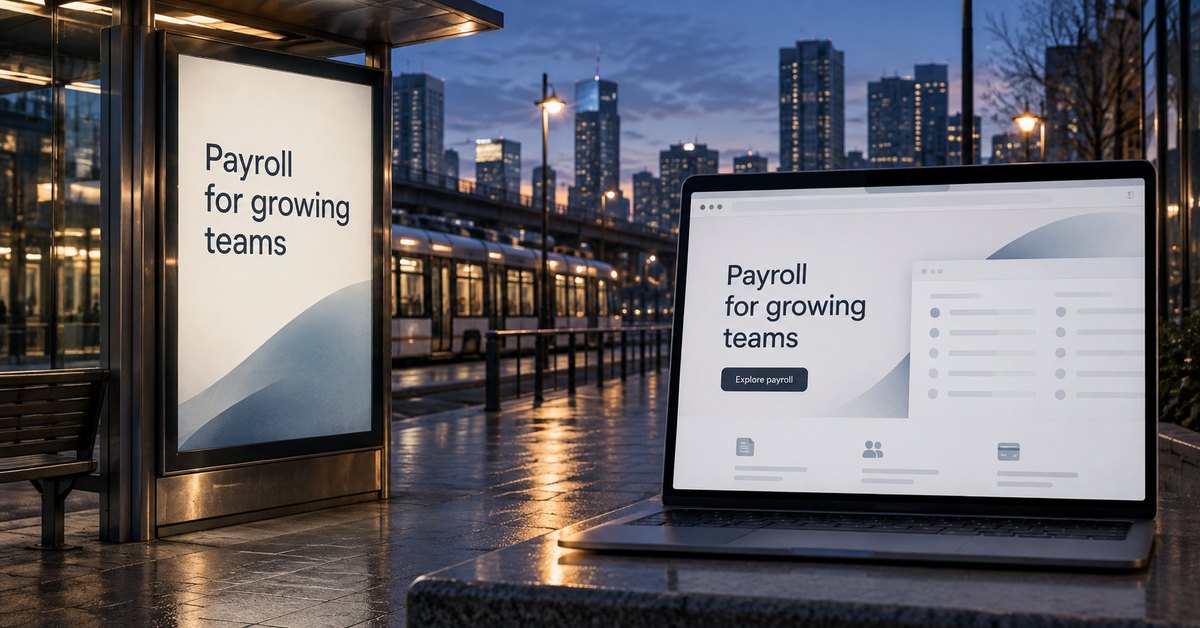
Your ad offers payroll help. The visitor clicks and lands on a homepage covering everything the accounting firm does.
Now they have to find payroll again.
You already had useful context. The destination threw it away.
Send people to a page that continues the conversation they started. A homepage can be the right destination, but it should not be the automatic choice for every link.
Use the context you already have
Someone searching for your business name may need an introduction to the company. A homepage can help them find a direction.
A service-specific ad has done some of that work. The person clicked because of a particular offer. They deserve a page that explains it.
The same applies to an email about a service or a link from an industry partner. Review what the visitor expects before deciding where to send them.
You can call this preserving intent. It is a planning principle, not a separate Google metric.
Choose a page that answers the promise
| What prompted the visit | A suitable destination |
|---|
| A particular service | A service page explaining the work and next step |
| A time-bound campaign offer | A page with the actual offer and its conditions |
| An industry-specific need | A page with relevant problems and examples |
| A question about local coverage | Accurate service-area information |
You do not need a separate page for every ad. An existing service page may already answer the question well.
Likewise, a city name does not automatically justify another location page. The content should provide something useful about service in that area.
Inspect what you already have before commissioning more pages.
Check the promise all the way to the form
For the payroll example, the page should confirm that payroll support is available. It should explain the scope and address questions about changing providers.
Use evidence that fits the service. A general quote about tax preparation may do little to answer a payroll concern.
Then examine the inquiry form. If the customer has to select payroll again from a generic list, the page has dropped some context at the last step.
Carry that selection forward where appropriate, while letting the person correct it. The employee who receives the request should know the stated need without having to guess which campaign brought the visitor in.
Add information after the headline
A page can repeat an ad's wording to confirm relevance. It still needs to answer the next question.
“Payroll Help for Growing Teams” should lead into an explanation of the service. Describe what remains the employer's responsibility and how the firm assesses a transition.
Avoid filling several screens with versions of the same promise.
Google Ads discusses the relevance and usefulness of a destination in its Quality Score documentation. That is a reason to review the experience. It is not a promise that a new page will lower advertising costs or improve organic rankings.
Give every new page a reason to exist
A page aimed at a distinct need can be useful. A stack of near-identical pages with swapped city names offers much less.
Google's spam policies address doorway abuse. A publishing system that can generate pages quickly still needs editorial judgment about whether those pages help anyone.
Before adding a page, check:
- Does the visitor have a different question or constraint?
- Can the business provide specific information about it?
- Does the page let someone make progress without another unnecessary detour?
- Who will keep its details current?
If the answers are weak, improve the existing page. More URLs do not fix missing substance.
Keep other useful routes available
A focused page should still let a visitor inspect the company or compare another service. People may arrive with one question and discover they need something else.
Keep appropriate navigation and stable links. Make the next action clear without trapping someone in a page that no longer fits.
If inquiry performance remains poor, this traffic-to-lead diagnosis can help you check other causes. The destination may be right while the offer or follow-up still needs work.
Start by auditing the links you control
List active ads and sales emails. Include directory entries and links used by your team.
Write the promise beside each destination. You may find that changing a link to an existing service page solves the problem immediately.
Where no suitable page exists, use the missing question to define the brief.
After a change, review the inquiries received. Check whether they fit the offer and whether staff have the context needed to respond. That tells you more than counting arrivals on a new landing page.